Best XAUUSD EAfor MT4
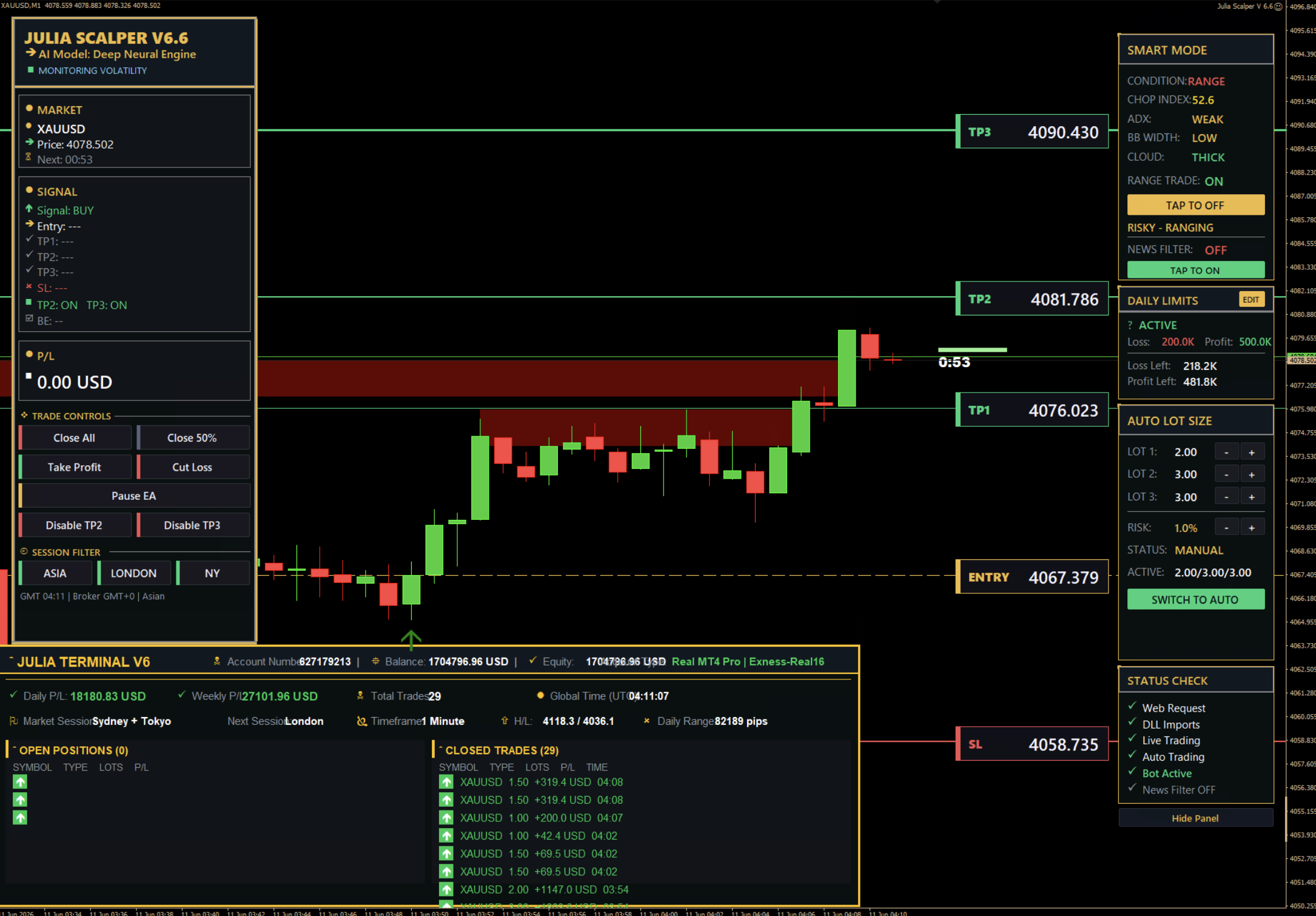
Julia Scalper EA is the top-rated Expert Advisor for XAUUSD gold trading on MetaTrader 4. Fully automated, proven results, and lifetime updates included.
Julia Scalper vs Manual Trading
Why automated gold trading outperforms manual strategies
| Feature | Julia Scalper EA | Manual Trading |
|---|---|---|
| 24/7 Automated Trading | ||
| Emotion-Free Decisions | ||
| Instant Trade Execution | ||
| Built-in Risk Management | ||
| Auto Lot Sizing | ||
| Smart Market Analysis | ||
| Works While You Sleep | ||
| Lifetime Updates | ||
| No Screen Time Required | ||
| Backtested Strategy |
Why MT4 Is the Best Platform for Gold EAs
MetaTrader 4 remains the industry standard for automated trading. With native Expert Advisor support, extensive backtesting capabilities, and compatibility with all major brokers, MT4 is the ideal platform for running Julia Scalper EA on XAUUSD.
Everything it handles so you don't have to.
From entry to exit, risk to lot size — here's exactly what Julia takes care of on its own, on every trade.
See the robot trade gold for you. Hands-off.
Watch Julia show how the EA trades XAUUSD gold on its own — day and night. Install it once, then let it run. You don't need to watch.
From download
to first trade in 5 minutes.
Watch the step-by-step video. Copy the EA file into MT4, enter your license key, attach to a chart. That's the whole process.
A closer look at Julia in action.
We stream live trading sessions on YouTube with Julia Scalper running the whole time. Every entry, every exit, every win and loss — recorded, unedited, no cherry-picking.
Watch live on YouTubeTraders
who actually use it.
“Verified Buyer” = screenshot from a real customer conversation.
One purchase.Everything included.
Julia runs in your own MT4 account. One lifetime software license, with no monthly subscription.
- ✓Lifetime software updates
- ✓Works on any MT4 broker, any account size
- ✓Auto lot sizing, auto stop loss, auto take profit
- ✓Complete MT4 package + installation guide
- ✓Setup support via Telegram
Trading involves risk. Past performance does not guarantee future results. Julia is trading software, not a guarantee of profit.
A few things to know.
If something
won't work.
The four most common setup problems and their exact fixes. If none of these solve it, Telegram support responds in under an hour.